


WhatsApp
019-2817295
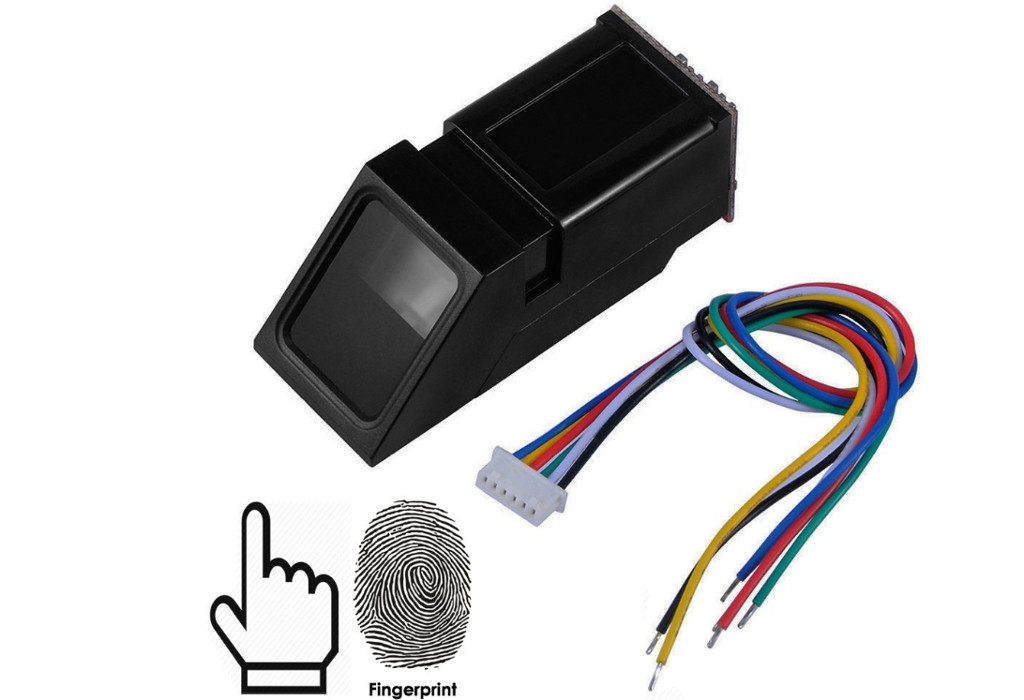
This is an optical biometric fingerprint reader/sensor module with TTL UART interface for direct connections to a microcontroller UART or connect to PC using a "USB to RS232(TTL) module". The user can store the finger print data in the module and then use it for identifying the person.
| Pin Number | Name | Cable Color | Type | Function Description |
|---|---|---|---|---|
| 1 | GND | Black | - | Signal ground. Connected to ground |
| 2 | RxD | White | in | Data input. TTL logical level |
| 3 | TxD | Green | out | Data output. TTL logical level |
| 4 | Vin | Red | in | Power input (DC 3.6V ~ 6.0V) |
| 5 | NC | Yellow | - | Not connect |
| 6 | NC | Blue | - | Not connect |
1 Connect interface cable to Fingerprint module
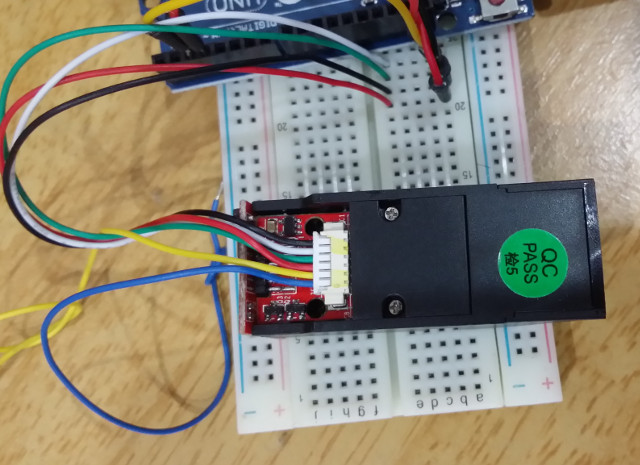

1 Download Arduino Fingerprint Library 2 Install Arduino Fingerprint Library. Refer installing new library guide. 3 Open and then upload Arduino project enroll.ino to Uno. Run "Serial Monitor" to store your fingerprint. 4 Open and then upload Arduino project fingerprint.ino to Uno. Run "Serial Monitor" again to verify your fingerprint.


